Create a Minecraft Server
Show Available VersionsPlan
Compare Plansvanilla 26.3
Well suited for web and database hosting.
- AMD Epyc 7351P
- 4 GB Memory
Faster processors optimized for gaming.
- AMD Ryzen 7 5800X
- 8-32 GB Memory
- Game Firewall
Latest generation hardware and protection.
- AMD Ryzen 9 9950X3D
- 8-32 GB Memory
- Enhanced Game Firewall
Size
You can upgrade or downgrade your plan anytime after purchase.
You can upgrade or downgrade your plan anytime.
Location
You can change your server location anytime after purchase.
You can change your server location anytime.
Everything Your Minecraft Server Needs
Every Minecraft plan gets the same platform. Nothing below is a paid add-on or reserved for a higher tier.
No Player Limits
Run as many players, plugins and processes as your resources allow. We never charge per slot.
Multiple Services
Add or swap out services at any time. We have over 92 one-click installers.
Full Root Access
File manager, SFTP and a root shell included for complete control over your Minecraft server.
Dedicated IP & All Ports
A dedicated IPv4 address just for your server, with all 65536 ports open to use.
Money Back Guarantee
Not satisfied? We will fully refund you within 3 days, no questions asked.
Automatic Backups
Automatic daily backups. Restore individual files, services or the full system.










Support for Every Server Type
We support all major modpack platforms and server types, including Forge, Fabric, CurseForge, Modrinth, and more. Easily switch between them from the control panel without any downtime or complicated setup processes.
Whether you're running vanilla servers, modded gameplay, or plugin-based communities, our one-click installers make it simple to deploy and manage any configuration. Get your server running in seconds, not hours.

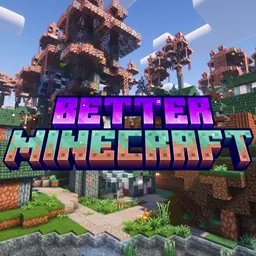
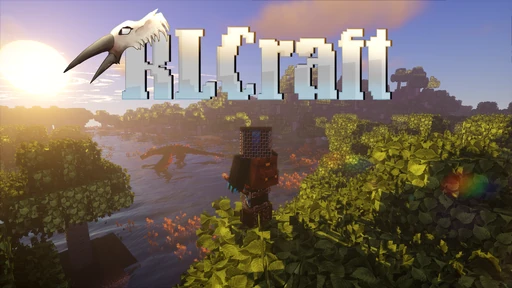

Instant Modpack & Plugin Support
Choose from popular modpacks (Forge, Fabric, CurseForge, Modrinth) or install plugins with 1-click support. Ideal for both beginners and experienced modded players.
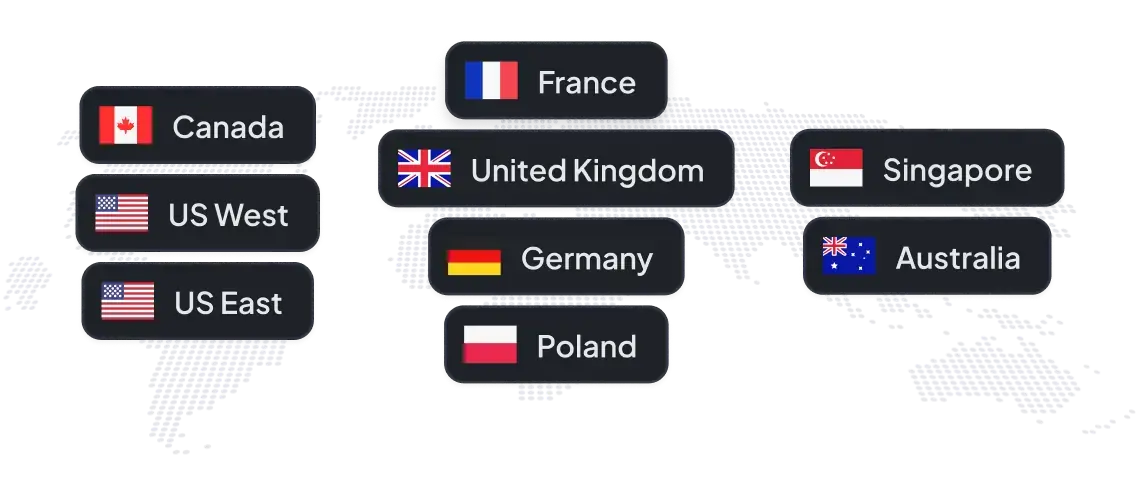
Worldwide Server Locations
Multiple worldwide data centers reduce lag and improve stability, giving every player a smooth multiplayer experience.
Easily change your location at any point in time to find the best server for your needs.

Excellent service and good servers
Quality of their service is awesome and their customer support is just perfect a very quick.

Ales Hruska
They are the best
Quality of their service is awesome and their customer support is just perfect! Helped me even with the silliest questions. I'm sticking with Server.pro

Nawo
Excellent service and good servers
Server pro is a server that I have used for 8 years, compared to the rest it is easier to use, and in every problem I have I go to the staff for help and they help me solve it without any problem (...)

Brandon Castro
top notch
it's genuinely effortless, they are one of the only support teams that i can contact without having to worry about taking hours for an initial response, straightforward, lenient, they even sometimes do the job for you, 5 stars.

Alyex
Minecraft Server Hosting
I've been through a few Minecraft hosting sites now (...), Server.pro is probably the cleanest I've used. Website is simple and readable, no annoying meaningless features when I just want to run a server. File uploads are exceptionally fast, connection + server quality is really good, and support is really nice and quick to respond.

iyarkonan
Amazing server host!
Amazing customer support and hosting. Rapid responses. Easy server upgrades. Absolutely recommend.
sccpsteve
Trusted by Players Worldwide
Join thousands of satisfied customers who trust Server.pro for reliable, fast, and easy-to-use Minecraft hosting.

4.4/5 on Trustpilot
Yes, turning off online mode will allow any copy of minecraft to connect. To do this change the online-mode option in the server.properties file to false. You can find this file in your file manager. Please note that disabling online mode will also make your server less secure against hackers as they can connect with any username and grief your server.